
Text Case Converter
Convert text to UPPERCASE, lowercase, Title Case and more.
GET MORE FROM THIS TOOL
Guide & details
Text Case Converter
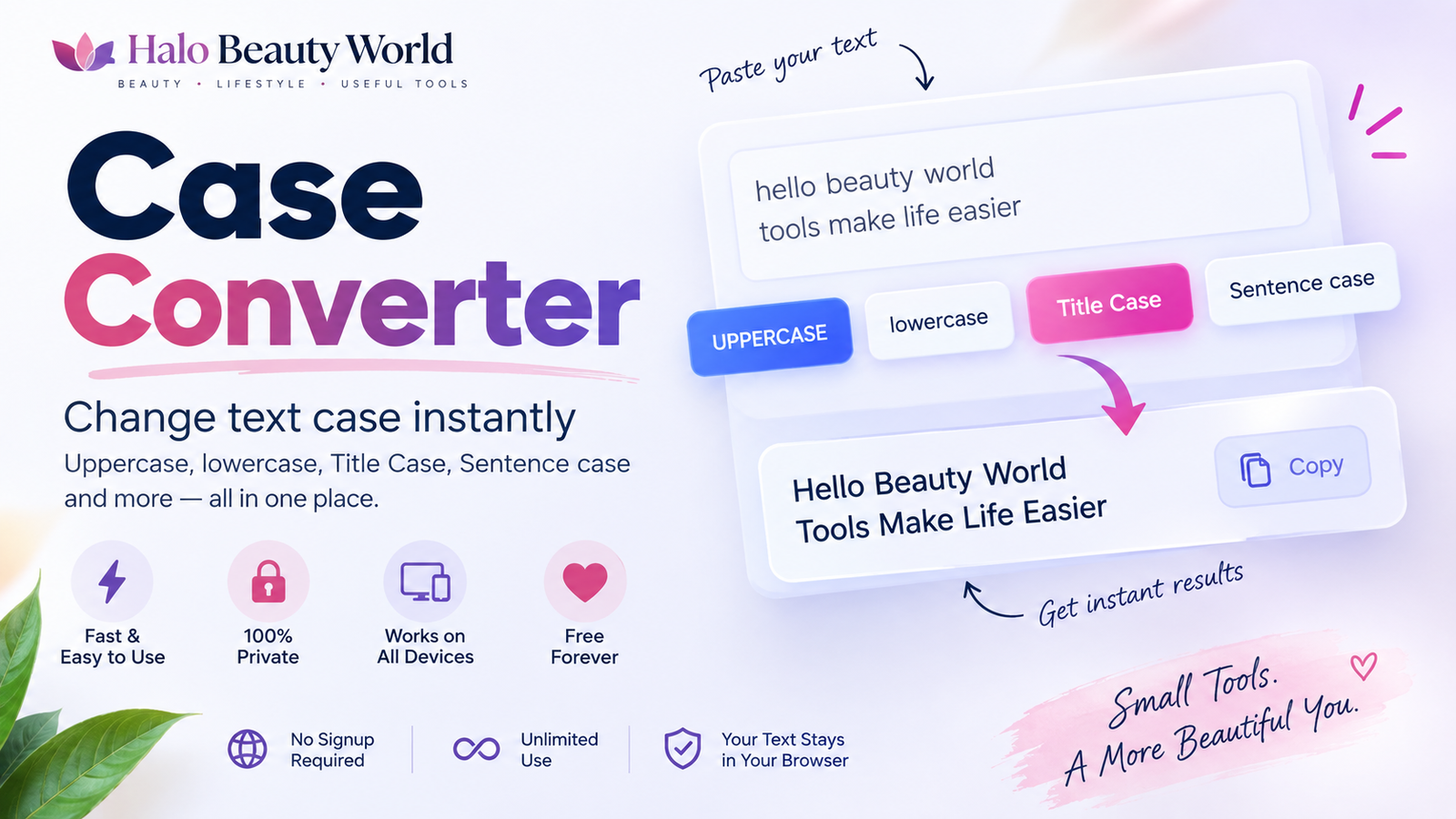
Online Case Converter
The Halo Beauty World Case Converter helps you change text capitalization instantly.
Paste your text into the editor, choose the case style you need, and copy the converted result in seconds.
You can convert text to uppercase, lowercase, sentence case, title case, capitalized case, developer naming styles, and more without manually retyping your content.
The tool is useful for students, writers, bloggers, developers, social media managers, freelancers, office workers, and anyone who regularly works with text.
How to use the Case Converter
Using the tool is simple:
- Paste or type your text into the editor.
- Choose the case style you want.
- Review the converted text.
- Copy or download the result.
You can also highlight part of your text and convert only the selected section.
Sentence case
Sentence case converts text so that sentences begin with a capital letter while the remaining letters are generally lowercase.
Example:
before
THIS IS A SIMPLE EXAMPLE. THIS IS ANOTHER SENTENCE.
after
This is a simple example. This is another sentence.
Sentence case is useful for:
- Paragraphs
- Emails
- Notes
- Articles
- General writing
- Text copied from uppercase sources
lowercase
The lowercase option converts all letters to lowercase.
Example:
HELLO WORLD
becomes:
hello world
Lowercase conversion can be useful for:
- Cleaning text
- Normalizing data
- Preparing tags
- Developer workflows
- Fixing accidental Caps Lock text
UPPERCASE
Uppercase converts all letters to capital letters.
Example:
hello world
becomes:
HELLO WORLD
Uppercase is commonly used for:
- Short headings
- Labels
- Warnings
- Emphasis
- Codes
- Structured data
For long paragraphs, uppercase text can be harder to read, so it is usually best used selectively.
Title Case
Title Case capitalizes the important words in a heading or title while keeping many short connecting words lowercase.
Example:
how to improve your writing with simple tools
becomes:
How to Improve Your Writing with Simple Tools
This is useful for:
- Blog titles
- Article headings
- Page titles
- Presentation headings
- Email subject lines
The exact rules of title capitalization can vary between style guides, so always follow a specific editorial style if your school, employer, or publication requires one.
Capitalized Case
Capitalized Case makes the first letter of each word uppercase.
Example:
this is a simple example
becomes:
This Is A Simple Example
This differs from smart Title Case because even small words such as “a,” “and,” or “the” may be capitalized.
Capitalized Case is useful for:
- Labels
- Names
- Lists
- Simple headings
- Data cleanup
Inverse Case
Inverse Case switches the capitalization of each letter.
Example:
Hello World
becomes:
hELLO wORLD
This can help fix text where letter cases have been accidentally reversed.
Alternating Case
Alternating Case switches between lowercase and uppercase letters.
Example:
hello world
may become:
hElLo WoRlD
This style is mostly useful for creative text, usernames, informal posts, or novelty formatting.
Random Case
Random Case applies a random mix of uppercase and lowercase letters.
Example:
hello world
may become:
HeLLo wOrLD
Because the result changes randomly, this style is mainly intended for creative or informal use.
Convert only selected text
Sometimes you do not want to change the entire document.
Highlight a word, sentence, paragraph, or section inside the editor and choose Selected Text mode.
Only the highlighted section will be converted.
For example, you may want to change one heading to Title Case while leaving the rest of an article untouched.
This can save time when editing longer documents.
Undo a conversion
If you choose the wrong case style, use the Undo button to restore your previous text.
This is useful when testing different capitalization styles before deciding which one works best.
Developer case conversions
The Case Converter also includes common naming formats used in programming and technical work.
camelCase
Example:
halo beauty world tools
becomes:
haloBeautyWorldTools
camelCase is commonly used for:
- JavaScript variables
- Object properties
- Function names
- Application data
PascalCase
Example:
halo beauty world tools
becomes:
HaloBeautyWorldTools
PascalCase is commonly used for:
- Class names
- Components
- Types
- Technical identifiers
snake_case
Example:
halo beauty world tools
becomes:
halo_beauty_world_tools
Snake case is often used in:
- Databases
- Python variables
- File names
- Configuration values
kebab-case
Example:
halo beauty world tools
becomes:
halo-beauty-world-tools
Kebab case is frequently used for:
- URL slugs
- CSS class names
- File names
- Web identifiers
CONSTANT_CASE
Example:
halo beauty world tools
becomes:
HALO_BEAUTY_WORLD_TOOLS
Constant case is often used for fixed values and constants in code.
Preserve acronyms in Title Case
Some words are intentionally written in uppercase.
Examples include:
- HTML
- CSS
- API
- SEO
- NASA
When acronym preservation is enabled, the tool can keep these terms uppercase while converting the rest of a title.
For example:
how to use HTML and CSS for a website
can become:
How to Use HTML and CSS for a Website
instead of changing the acronyms into normal capitalized words.
Clean extra spaces
Copied text sometimes contains repeated spaces.
The Fix Extra Spaces option can help normalize unnecessary spacing while keeping the content readable.
This is useful when text has been copied from:
- PDFs
- Documents
- Spreadsheets
- Web pages
- Emails
Remove blank lines
If your text contains unnecessary empty lines, use the Remove Blank Lines option.
This can make copied text easier to reuse in:
- Blog editors
- CMS platforms
- Forms
- Documents
Trim whitespace
Trim Whitespace removes unnecessary spaces around lines and at the beginning or end of your text.
This is especially useful when working with copied lists or structured content.
Remove duplicate lines
The Remove Duplicate Lines option helps clean lists where the same line appears more than once.
This can be useful for:
- Keyword lists
- Product lists
- Names
- URLs
- Tags
- Data copied from spreadsheets
Case Converter for students
Students can use the tool to quickly fix capitalization in:
- Assignment titles
- Headings
- Notes
- Essays
- Presentations
- Project names
It is particularly useful when text has accidentally been typed with Caps Lock enabled.
Case Converter for writers and bloggers
Writers can use the tool to prepare:
- Blog titles
- Article headings
- Subheadings
- Email subjects
- Category names
Title Case and Sentence Case are especially useful when editing content from multiple sources with inconsistent formatting.
Case Converter for social media
Social media users can quickly format:
- Captions
- Post headings
- Bios
- Short promotional messages
- Video titles
Because the converter works directly in the browser, text can be prepared and copied into another app in a few seconds.
Case Converter for developers
Developers can use the tool to quickly convert normal text into naming conventions such as:
- camelCase
- PascalCase
- snake_case
- kebab-case
- CONSTANT_CASE
This can save time when creating variable names, identifiers, URLs, file names, or configuration keys.
Does changing case alter my content?
Normal case conversion changes capitalization, not the meaning of your text.
For example, converting:
Hello World
to lowercase results in:
hello world
The words remain the same.
Separate cleanup options such as removing extra spaces or duplicate lines intentionally make additional formatting changes and should only be used when needed.
Is my text stored?
The core Case Converter operates inside your browser.
Your text does not need to be sent to a server just to change capitalization.
This makes the tool useful for drafts, assignments, emails, notes, and other text you may prefer to keep private.
Frequently Asked Questions
How do I convert uppercase text to lowercase?
Paste your uppercase text into the editor and select lowercase.
For example:
HELLO WORLD
becomes:
hello world
How do I convert lowercase text to uppercase?
Paste your text and select UPPERCASE.
For example:
hello world
becomes:
HELLO WORLD
What is sentence case?
Sentence case generally capitalizes the first letter of each sentence while keeping the remaining text lowercase.
What is title case?
Title Case capitalizes the important words in a title while often leaving short connecting words lowercase.
What is the difference between Title Case and Capitalized Case?
Title Case follows heading-style capitalization rules.
Capitalized Case simply capitalizes the first letter of each word.
For example:
Title Case
A Guide to Writing for the Web
Capitalized Case
A Guide To Writing For The Web
Can I convert only part of my text?
Yes. Highlight the section you want to change and choose the Selected Text option before applying a conversion.
Can I undo a case conversion?
Yes. Use Undo to restore a previous version after applying a conversion or cleanup action.
Can I convert text to camelCase?
Yes. The developer case options include camelCase, PascalCase, snake_case, kebab-case, and CONSTANT_CASE.
Does the Case Converter change punctuation?
Normal case conversion preserves punctuation. Cleanup tools may separately adjust whitespace when selected.
Can I download the converted text?
Yes. You can download your converted content as a TXT file.
Is the Case Converter free?
Yes. You can use the tool online without creating an account for the core conversion features.
Convert your text in seconds
Whether you need to fix accidental uppercase text, format a blog title, prepare a caption, standardize a list, or create a developer-friendly variable name, the Halo Beauty World Case Converter makes the process quick.
Paste your text above, choose the case you need, and copy the converted result when you are finished.