
Random Birthday / Date of Birth Generator
Generate random birth dates within any age range — with zodiac sign and day of week.
GET MORE FROM THIS TOOL
Guide & details
Random Birthday Generator
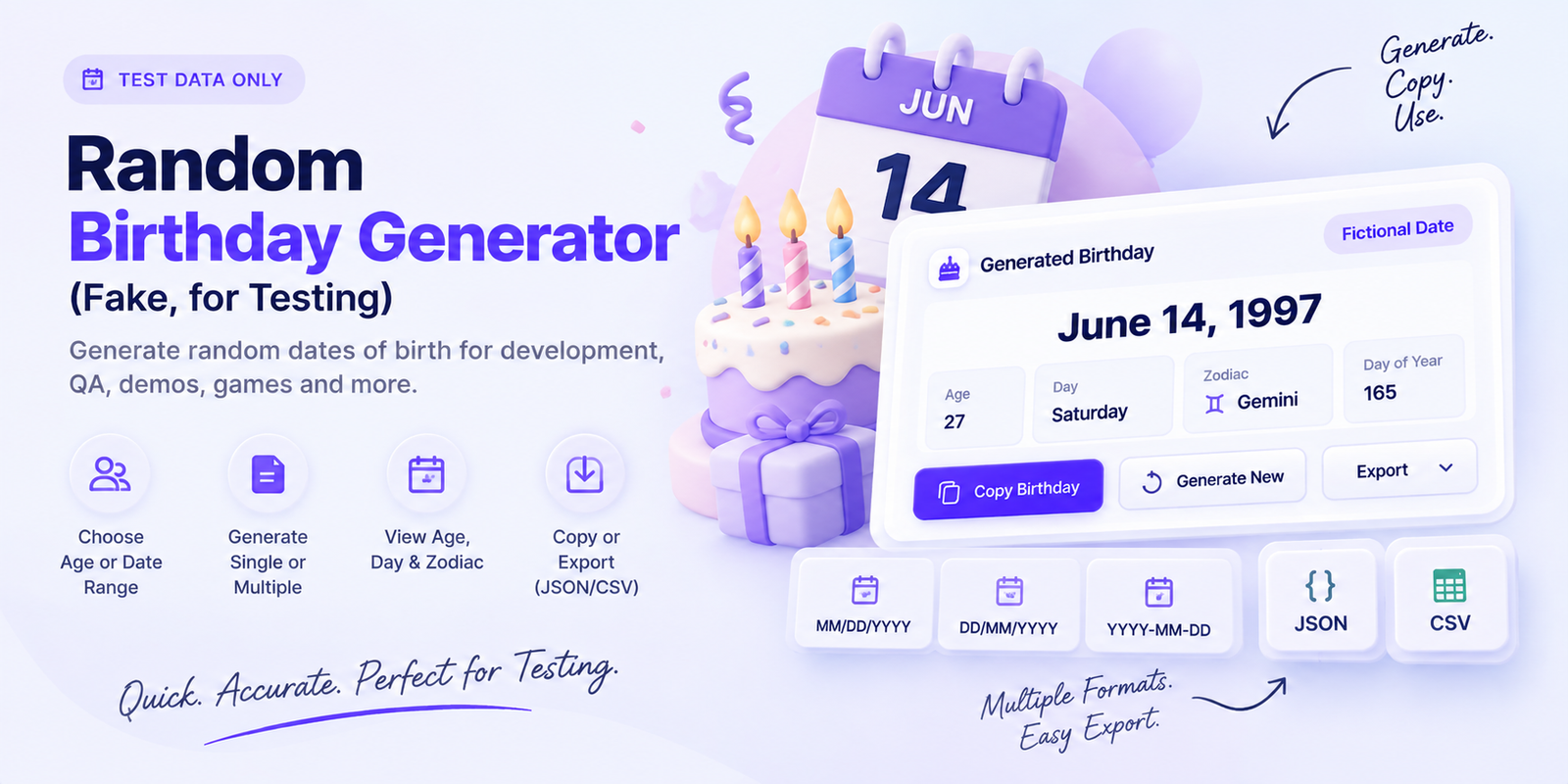
What Is a Random Birthday Generator?
A Random Birthday Generator creates a random date of birth instantly. You can generate a birthday within a specific age range, choose an exact age, use a custom date range, or generate a completely random date.
It is useful for testing forms, creating sample data, classroom activities, games, mock profiles, and other situations where you need a fictional birthday.
How to Use the Random Birthday Generator
Choose how you want the birthday to be generated, such as Age Range, Exact Age, Date Range, or Completely Random.
Then choose the number of birthdays you need, select your preferred date format, and click Generate Birthday. You can copy individual results or export multiple birthdays when needed.
Generate a Birthday by Age
If you need a birthday for someone within a certain age group, use the Age Range option.
For example, you can generate a birthday for someone between 18 and 65 years old. The tool calculates the date so the displayed age matches the generated birthday.
You can also use Exact Age when you need a birthday for someone who is currently a specific age, such as 21, 30, or 50.
Choose Your Date Format
The same generated birthday can be displayed in different formats, including:
- June 14, 1997
- MM/DD/YYYY
- DD/MM/YYYY
- YYYY-MM-DD
Changing the format only changes how the date is displayed, not the generated birthday itself.
See More Birthday Details
Along with the random birthday, the tool can show useful information such as the person’s current age, day of the week, and zodiac sign.
These details are optional, so you can keep the result simple when you only need the date.
Generate Multiple Random Birthdays
You can generate several birthdays at once for test data, spreadsheets, QA work, or sample records.
The tool supports quick options such as 1, 5, or 10 birthdays, as well as a custom quantity when you need a larger set.
Export Birthday Data
Generated results can be copied or exported in JSON or CSV format.
This can be helpful for developers, testers, and anyone working with sample datasets or database records.
Are the Generated Birthdays Real?
No. The generated birthdays are random fictional dates and are not connected to real people.
The tool is designed for testing, examples, demos, and general randomization rather than creating or identifying real personal information.
Frequently Asked Questions
Can I generate a birthday for an exact age?
Yes. Choose Exact Age, enter the age you want, and the tool will generate a date of birth that matches that age today.
Can I generate birthdays within a specific date range?
Yes. Select Date Range and choose the earliest and latest dates.
Does the tool calculate age automatically?
Yes. The current age is calculated from the generated birthday and today’s date.
Can I generate multiple birthdays?
Yes. You can generate several random birthdays at once and copy or export the results.
Does the generator support leap years?
Yes. Valid calendar dates, including leap-year dates such as February 29, can be handled by the generator.
Generate a Random Birthday
Use the Random Birthday Generator whenever you need quick fictional birthday data for testing, development, demos, games, or other projects.
Choose your preferred settings, generate the date, and copy or export the result in seconds.