
Convert Text to Handwriting Online
Turn typed text into beautiful cursive handwriting on lined paper — download as an image.
GET MORE FROM THIS TOOL
Guide & details
Turn typed text into handwritten-style notes
What Is a Convert Text to Handwriting Tool?
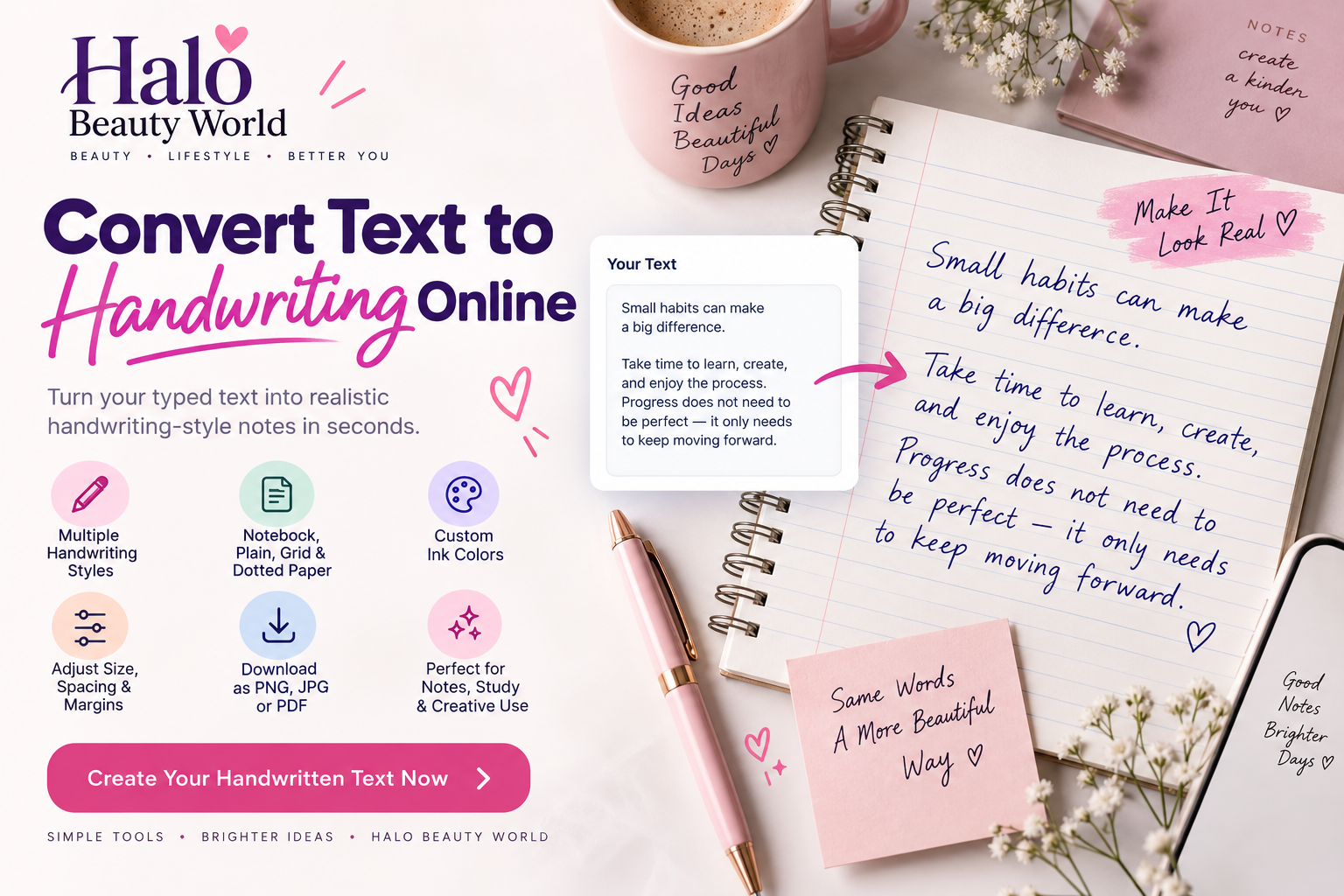
A convert text to handwriting tool changes typed text into digital handwriting-style text. You can choose a handwriting style, paper type, ink color, and spacing to customize the result. It is useful for notes, worksheets, quotes, planners, and other creative projects.
How to Use the Text to Handwriting Converter Download it as PNG, JPG, or PDF.
- Type or paste your text.
- Choose a handwriting style.
- Select paper and ink options.
- Adjust size or spacing if needed.
- Preview the result.
- Download it as PNG, JPG, or PDF.
Benefits of Using a Text to Handwriting Tool
Save Time
Convert typed text into handwriting-style content in seconds instead of rewriting it manually.
Easy to Customize
Change the handwriting style, paper background, ink color, text size, and spacing.
Useful for Study and Learning
Create revision notes, worksheets, study summaries, and learning material.
Create Printable Pages
Use A4 or Letter page sizes for printing or PDF export.
Download in Multiple Formats
Save your finished handwriting-style pages as PNG, JPG, or PDF.
Choose a Handwriting Style
You can select different handwriting styles depending on the look you want.
Neat handwriting works well for notes and worksheets. Student handwriting gives a casual notebook-style appearance. Cursive handwriting is better for decorative text, cards, and quotes. Casual or playful handwriting can work well for creative projects.
Choose a Paper Style
The tool can generate handwriting on different paper backgrounds:
- Ruled paper
- Plain paper
- Grid paper
- Dotted paper
Ruled paper is ideal for notebook-style notes, while plain paper works well for clean printable pages and quotes.
Customize Your Handwriting
You can adjust:
- Ink color
- Handwriting size
- Line spacing
- Letter spacing
- Page margins
- Text alignment
- Portrait or landscape orientation
These options help you create a page that better matches your project.
Convert Long Text to Multiple Pages
Long text can automatically continue onto additional pages instead of being squeezed onto one page.
This is useful for longer notes, study material, worksheets, and multi-page content.
Download Your Handwriting
You can download your finished handwriting-style page as:
PNG for high-quality images. JPG for smaller files and easy sharing. PDF for multi-page notes and printable documents.
Who Can Use This Tool?
The online text to handwriting converter can be useful for:
- Students
- Teachers
- Parents
- Writers
- Content creators
- Planner users
- Designers
Is This Real Handwriting?
No. The tool creates digital handwriting-style text using handwriting fonts and page effects.
It should not be presented as genuine handwriting created by a person.
Is My Text Private?
The handwriting preview is generated inside your browser, so your text does not need to be sent to a server just to create the preview.
Frequently Asked Questions
Can I convert typed text to handwriting online?
Yes. Paste your text, choose a handwriting style, and the preview updates automatically.
Can I change the handwriting font?
Yes. You can choose from several styles such as neat, casual, student, cursive, and playful handwriting.
Can I use notebook paper?
Yes. Ruled, plain, grid, and dotted paper options are available.
Can I convert long text?
Yes. Longer text can automatically continue across multiple pages.
Can I download the result?
Yes. You can download the handwriting-style output as PNG, JPG, or PDF.
Does it work on mobile?
Yes. The tool is designed to work on desktop, tablet, and mobile devices.
Convert Text to Handwriting in Seconds
Use the Halo Beauty World Convert Text to Handwriting Online tool to turn typed text into handwriting-style pages quickly.